Get Started
Everything You Need
to Get Started with OverMox
"I don't think he knows about Extra Early Access, Pip."
OverMox + Controller
The realtime 3D rendering engine and visual scripting controller - everything you need in one installer.
Download OverMoxv1.1.0-ExtraEarlyAccess.6 · 662 MB
Verify your download
SHA-256 checksum of the installer:
7416346e98826969eef916b3d31e3614da6ae40b5153f5ccc98897483cae0de0 Up and running in 3 steps
System Requirements
-
Operating System
Windows 11 x64
-
GPU
Graphics card capable of running modern games
-
RAM
16 GB or higher
-
Display
1920x1080 recommended
OverMox is built on a game engine. Actual requirements vary depending on overlay complexity.
Quick Start
Up and Running in 3 Steps
Download & Install
Run the installer - it includes both the OverMox engine and the Controller app.
Launch OverMox
Open OverMox. The Controller connects automatically.
Start Creating
Add 3D objects, wire up behaviors, and build your first scene.
Documentation
Learn the Ropes
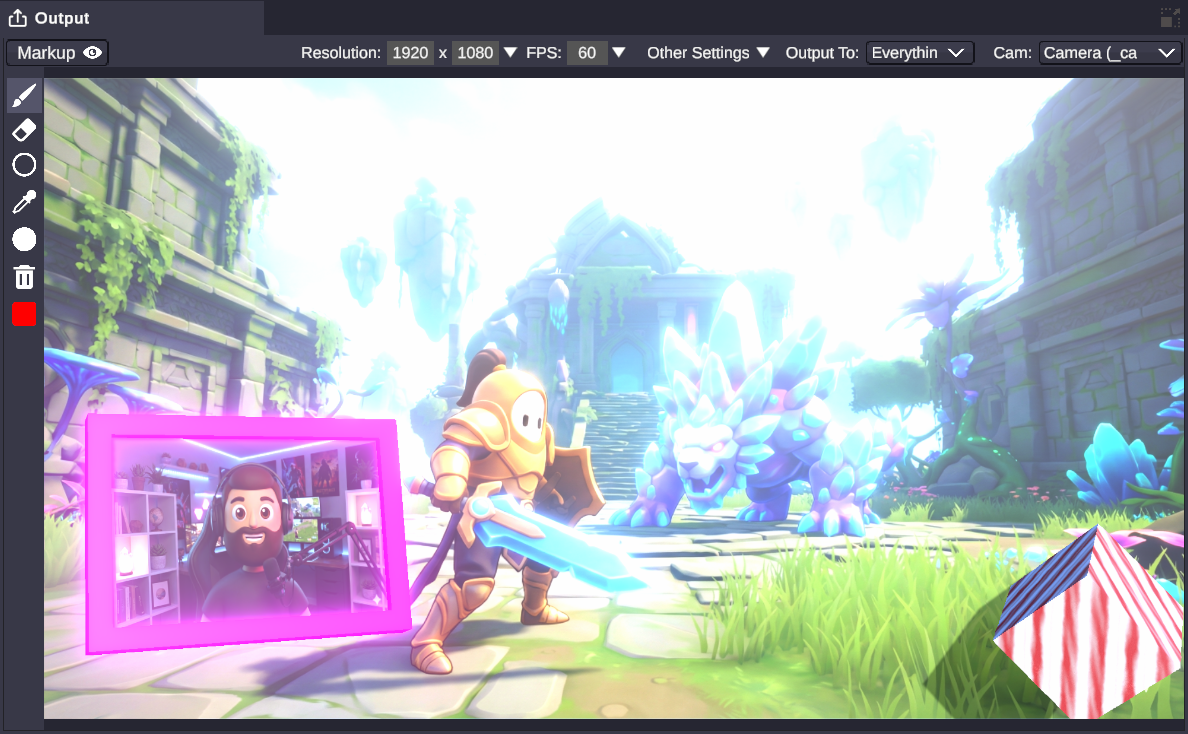
Build a Scene
Place 3D text, shapes, audio visualizers, and interactive elements directly on your stage - no modeling required.
- 3D text with depth & bevels
- Real-time audio visualizers
- Shadow boxes & lights
- + more
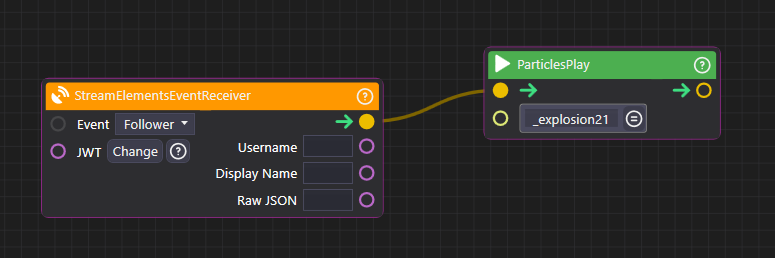
Visual Scripting
Wire up logic visually - trigger animations, play sounds, and react to stream events without writing code.
- Connect triggers to actions
- Sequence animations & delays
- Twitch & YouTube integrations
- + more
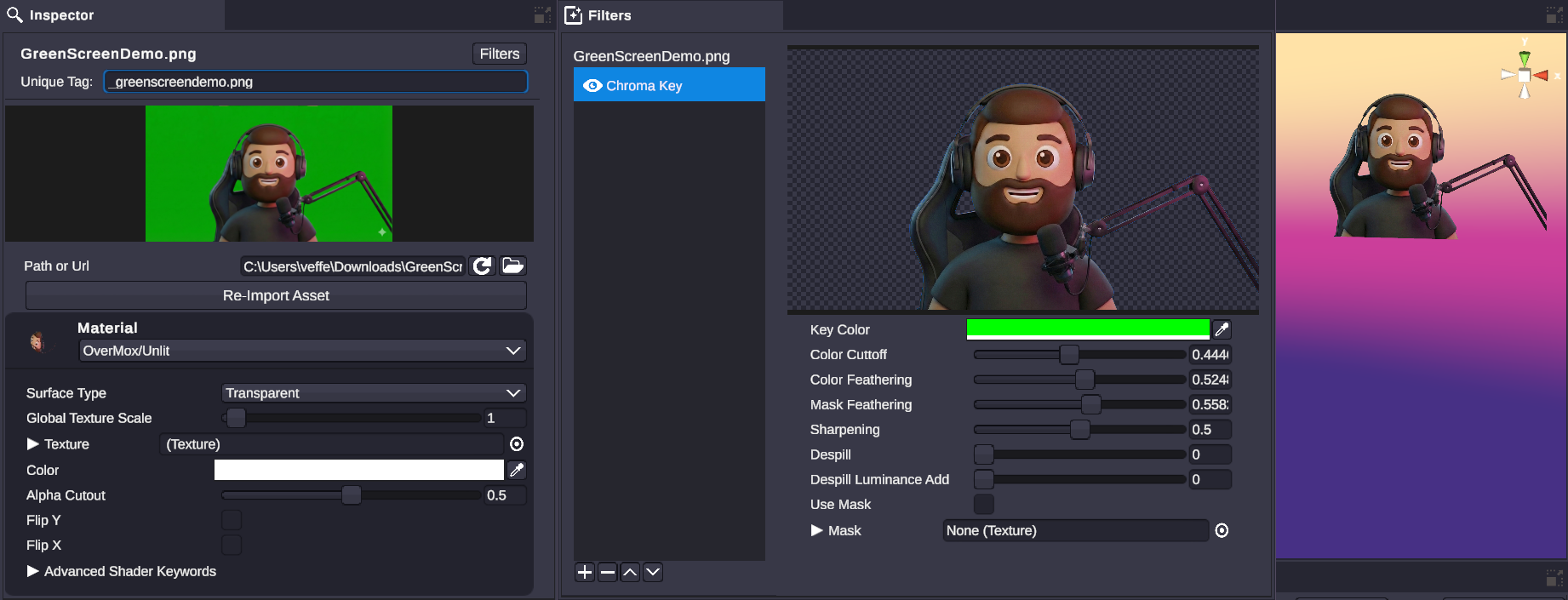
Physics & Effects
Add gravity, shattering, and soft-body deformation - perfect for donation alerts and cinematic moments.
- Mesh shatter into pieces
- Soft body physics & jiggles
- Rigidbody gravity & collisions
- + more
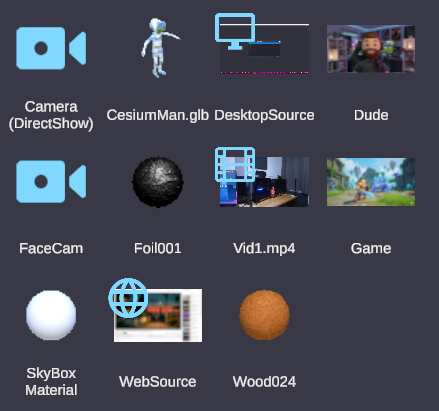
Assets & Sources
Connect webcams, NDI streams, window captures, web browsers, and 3D models - bring your entire production into 3D.
- Webcam, NDI & Spout capture
- Live browser overlays
- Video, images & 3D models
- + more