General Concepts
Assets, scene objects, components, filters, output, transitions, and more.
OverMox lets you build dynamic 3D overlays and interactive scenes for your stream. Create scenes and manage assets in the OverMox app, and build logic without code in the Controller app. For custom integrations and automation, use the app’s local REST and WebSocket API. These docs cover everything from first launch and visual scripting to controlling OverMox with code.
The OverMox app is your main workspace for building scenes, managing assets, and sending output to your stream.
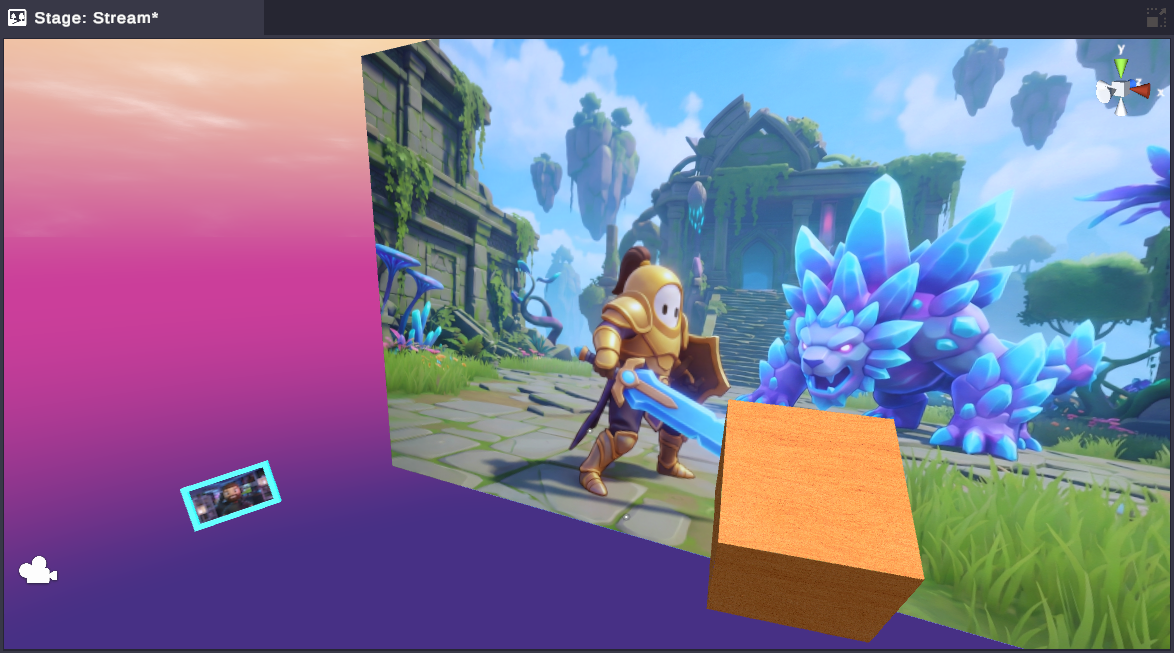
Your 3D viewport for viewing and arranging scene objects. Place images, videos, 3D models, web sources, text, shapes, and more, then position everything with the toolbar tools: Hand, Move, Rotate, Scale, and Rect.
Learn more →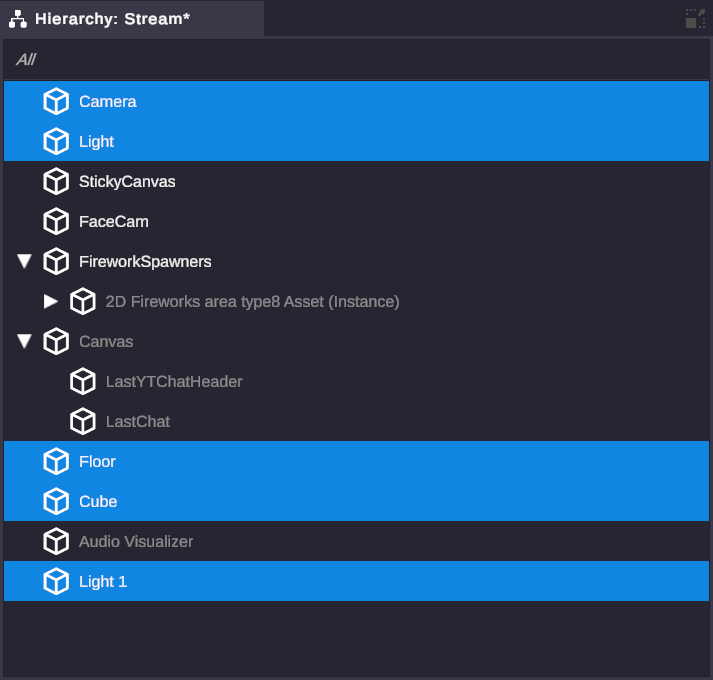
A tree view of every object in your scene. Select, rename, reorder, and nest objects into parent-child groups so moving a parent moves all its children.
Learn more →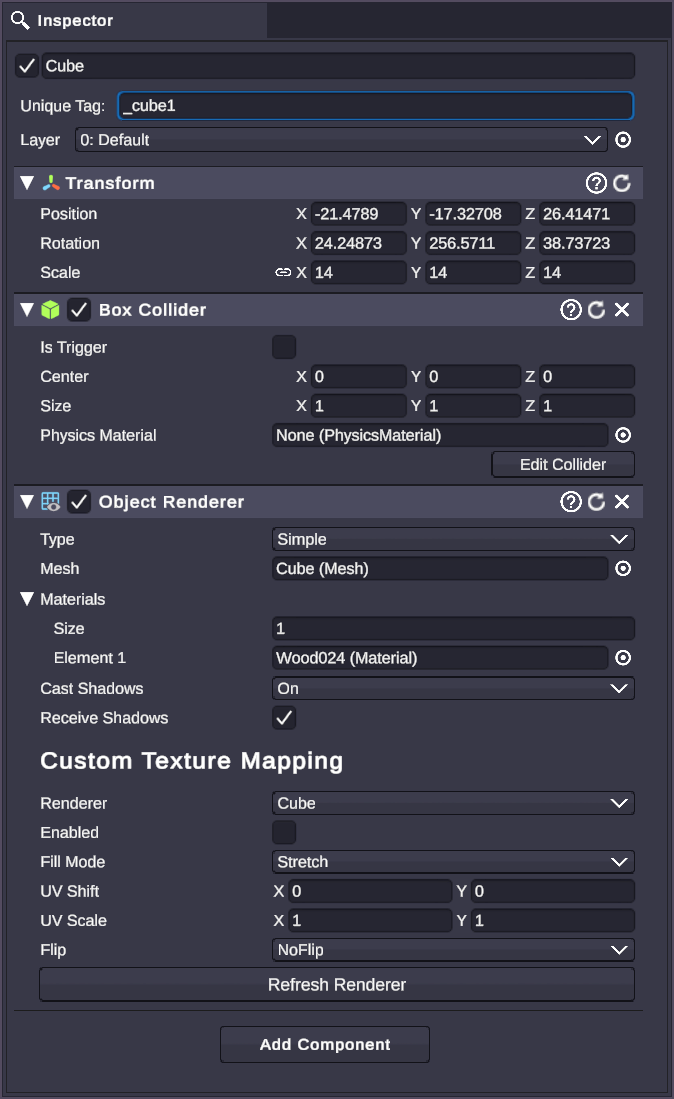
Context-sensitive property editor that changes based on your selection. Edit transforms, components, and asset properties, all in one place.
Learn more →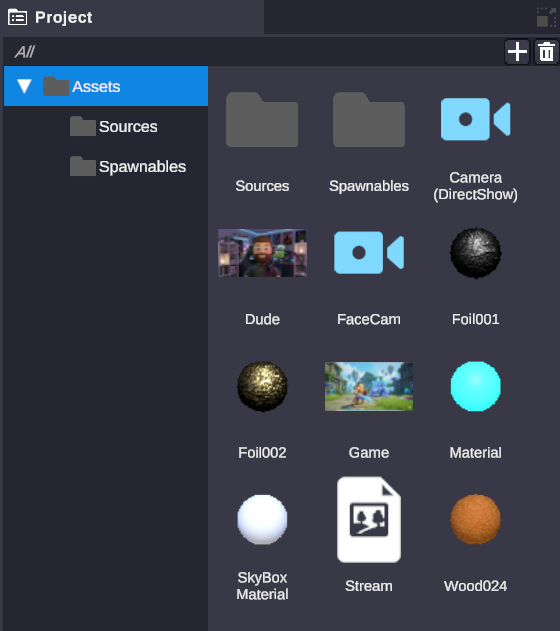
Your asset file browser. Import media, create live sources (webcam, window capture, web source, NDI, Spout), and organize everything into folders.
Learn more →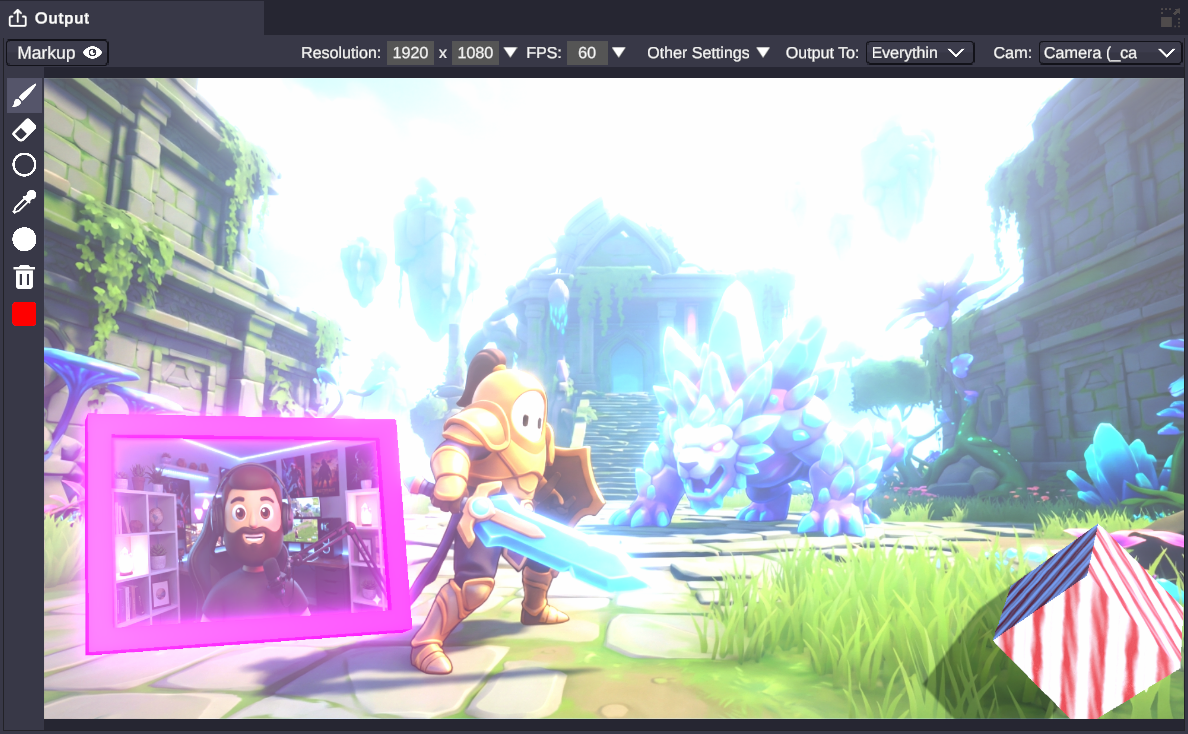
Send your scene to streaming software. Set resolution, frame rate, and camera, then enable Spout or NDI output. Both can run simultaneously.
Learn more →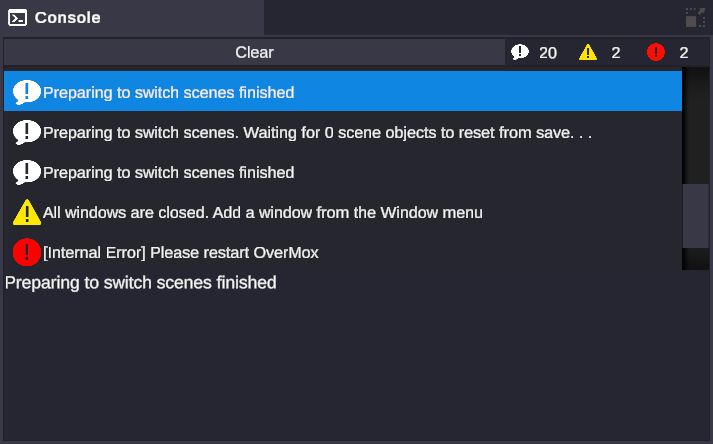
System message log showing info, warnings, and errors. Covers asset loading issues, connection problems, and save errors. Filter by severity.
Learn more →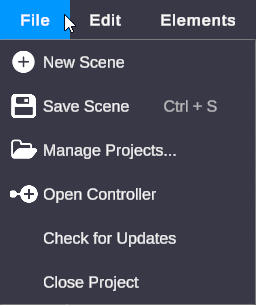
The top menu bar covering File, Edit, Window, Elements, and Help. Manage scenes, arrange your layout, add objects, and launch the Controller.
Learn more →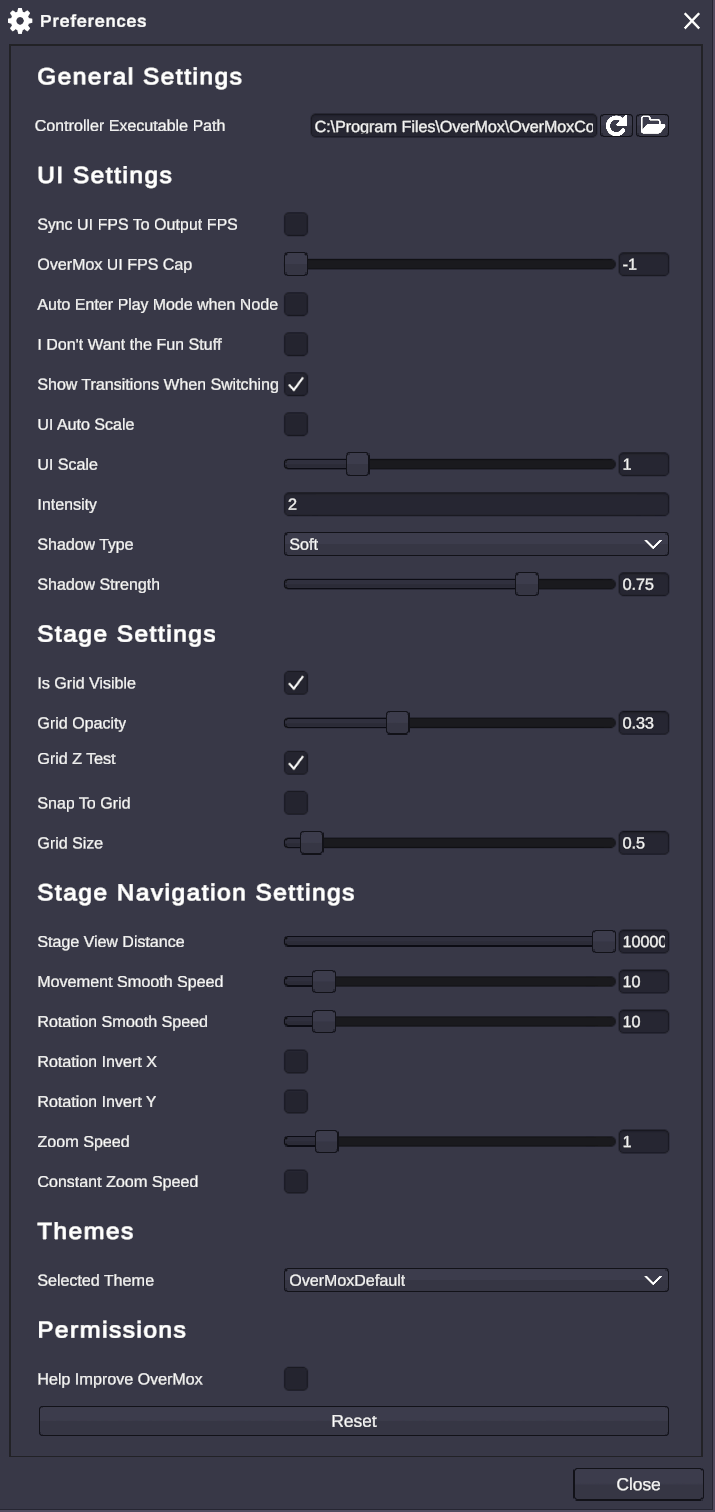
Application-level preferences for UI scaling, FPS cap, stage grid display, camera navigation, default lighting, and playback behavior.
Learn more →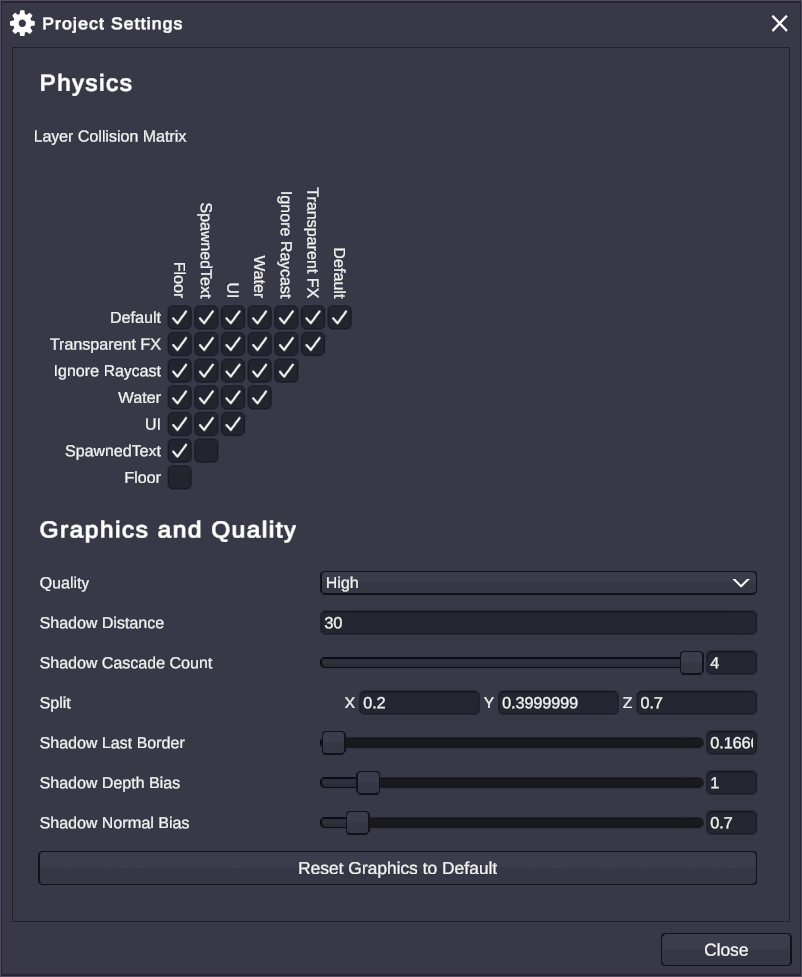
Per-project configuration for physics and graphics quality. The collision matrix controls which object layers interact with each other.
Learn more →The Controller is a separate application for building logic with visual scripting, no code required. Launch it from File, then Open Controller in OverMox.
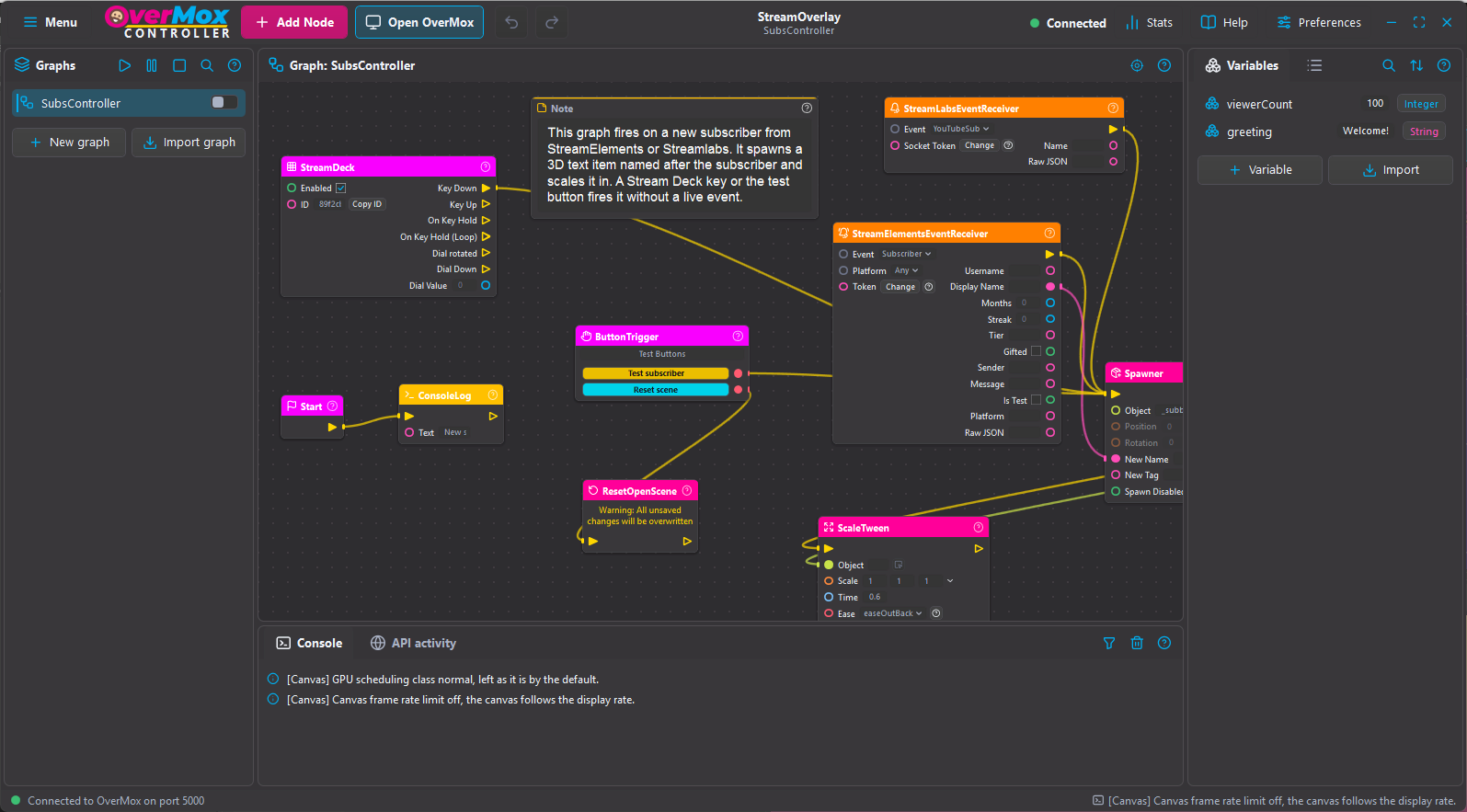
The visual scripting canvas where you build logic by connecting nodes with wires. Trigger nodes fire from stream events, button presses, and timers.
Learn more →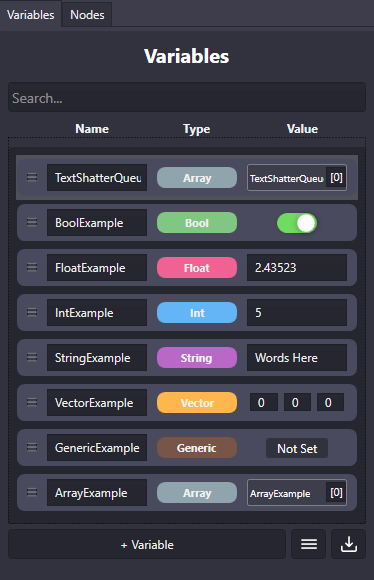
Create and manage named variables (Int, Float, String, Bool, Vector, Array) shared across your node graphs.
Learn more →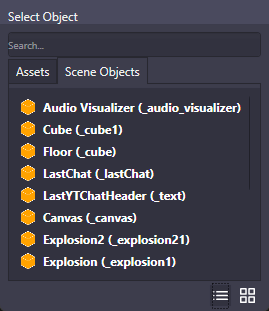
A picker that appears when a node needs a reference to an asset, scene object, or camera. Tabbed by type with search.
Learn more →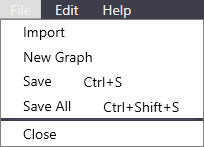
Graph file operations (New, Save, Import) and editing commands (Undo, Redo, copy/paste nodes).
Learn more →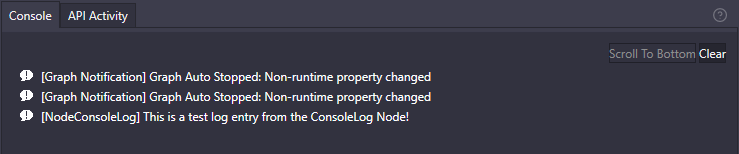
Node graph debug log showing execution messages tagged by source. Use Log nodes for custom output.
Learn more →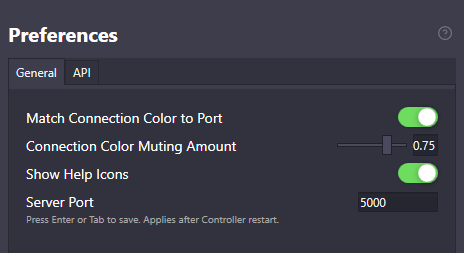
Visual settings for wire color inheritance from port types and color muting in large graphs.
Learn more →Quick reference for all Controller shortcuts, accessible from Help, then Shortcuts.
Learn more →General Concepts
Assets, scene objects, components, filters, output, transitions, and more.
Node Reference
All 20 node categories: animations, audio, triggers, math, web, and more.
A full local REST + WebSocket API - 200+ operations, self-describing for AI agents. Start with whichever surface fits how you build.
API Guide
The three-layer orientation, key concepts, and your first scripted graph, step by step.
REST Reference
Every L1 and L2 endpoint and shape across 200+ operations, browsable.
L3 Event Stream
All real-time WebSocket event types and the SignalR hub methods.
Raw llms.txt
The machine-readable front door - hand it straight to your AI agent.
New to the API? The developer overview frames the whole thing in two minutes, with live examples.