"I don't think he knows about Extra Early Access, Pip."
Your Stream Deserves More Than Flat Overlays
OverMox™ is a realtime 3D engine for content creators and live streamers. Build stunning visual effects, dynamic overlays, and interactive scenes. No coding required.
Works with the tools you already use
Why Switch
See how OverMox compares
Built from the ground up for content creators who want more.
OverMox
The best of both worlds
2D Overlay Tools
AAA Game Engines
Why OverMox
Stop blending in. Start standing out.
Everything you need to create stream visuals that nobody else has.
A taste of what's possible - see all features →
Full 3D Engine
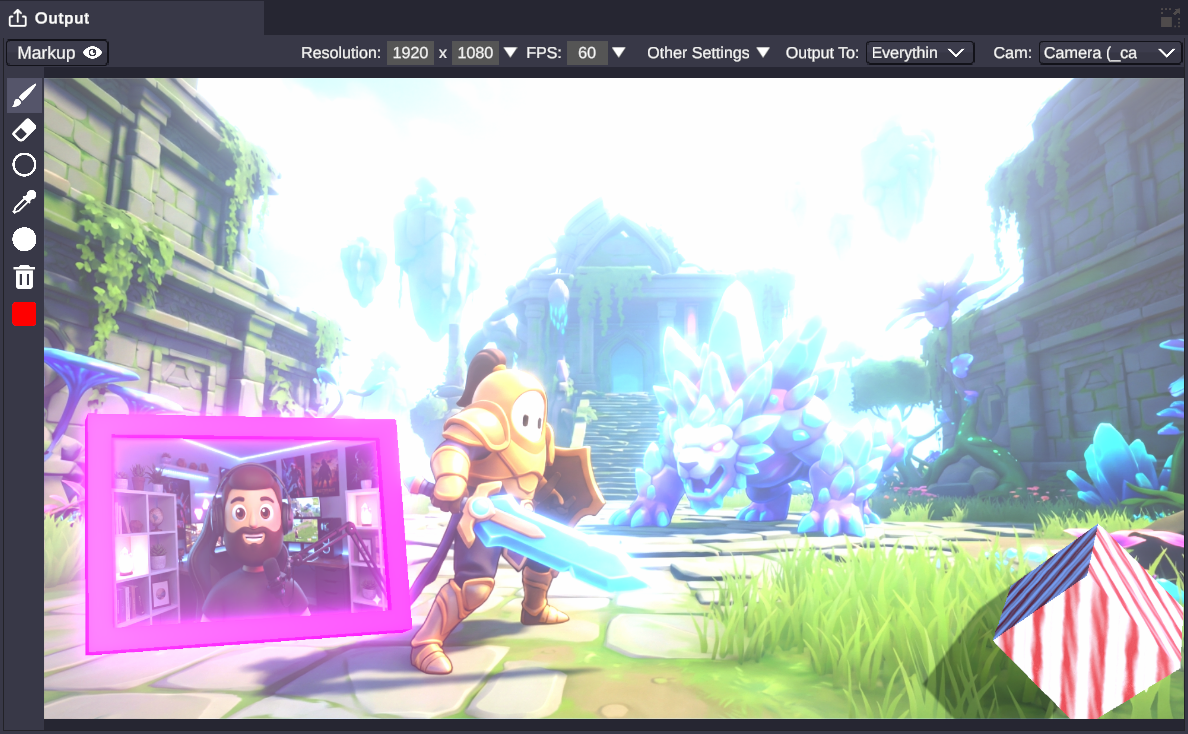
Not flat overlays. Realtime 3D worlds.
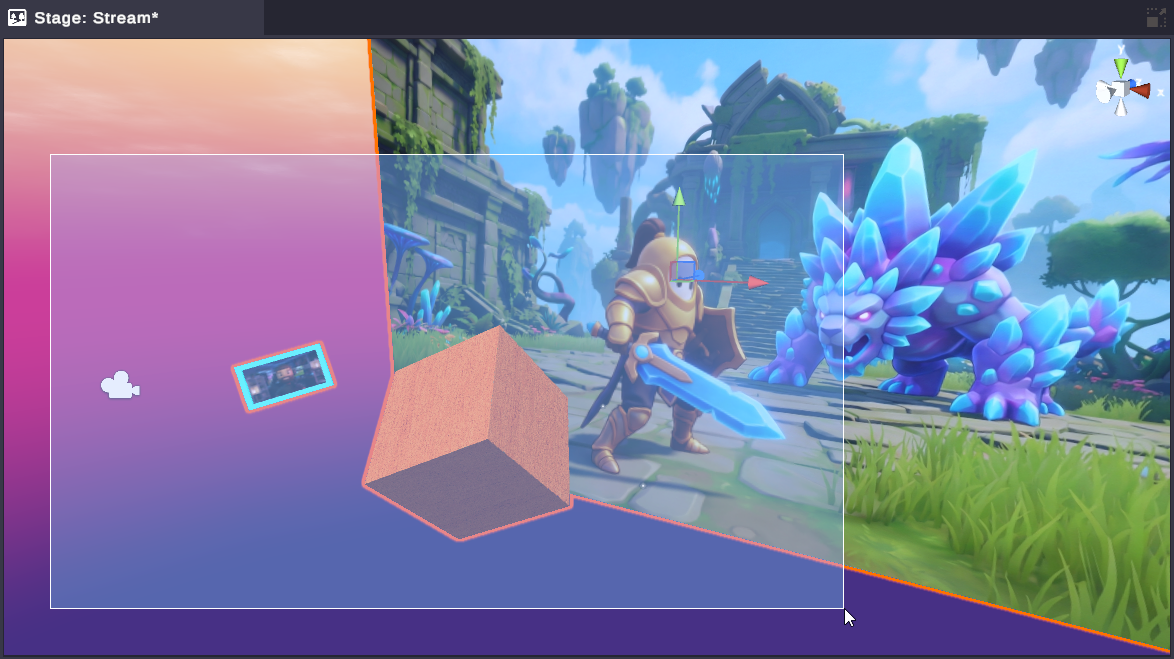
Build complete 3D scenes with physics, particles, and real-time lighting. Objects collide, shatter, bounce, and react - all rendered live on your stream. This isn't another overlay tool. It's a full 3D engine built for creators.
Visual Scripting
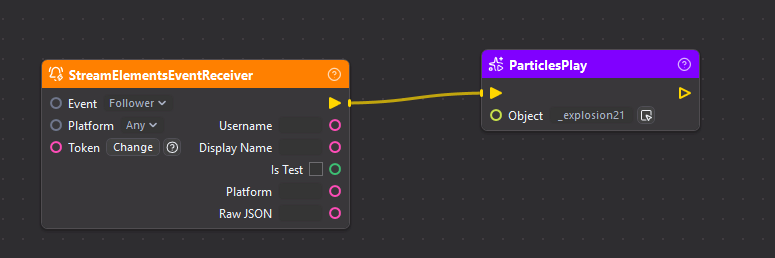
No code. Just connect the dots.
Design stream effects by connecting dots - no code, no limits. Trigger animations from StreamElements and Streamlabs alerts, control physics with your chat, build interactive overlays that react in real time.
Import & Capture
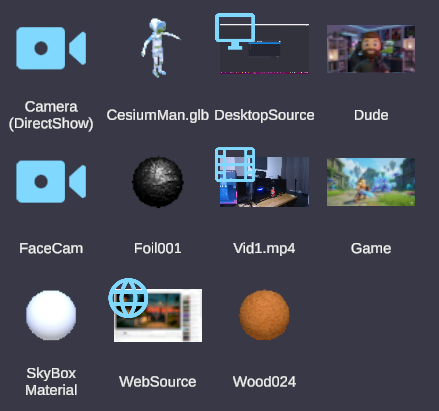
Bring anything into your scene.
Bring in 3D models, images, videos, web content, NDI, Spout, capture devices, even your entire desktop - and much more. Everything becomes a texture, a source, or a prop in your 3D world.
Asset Catalog
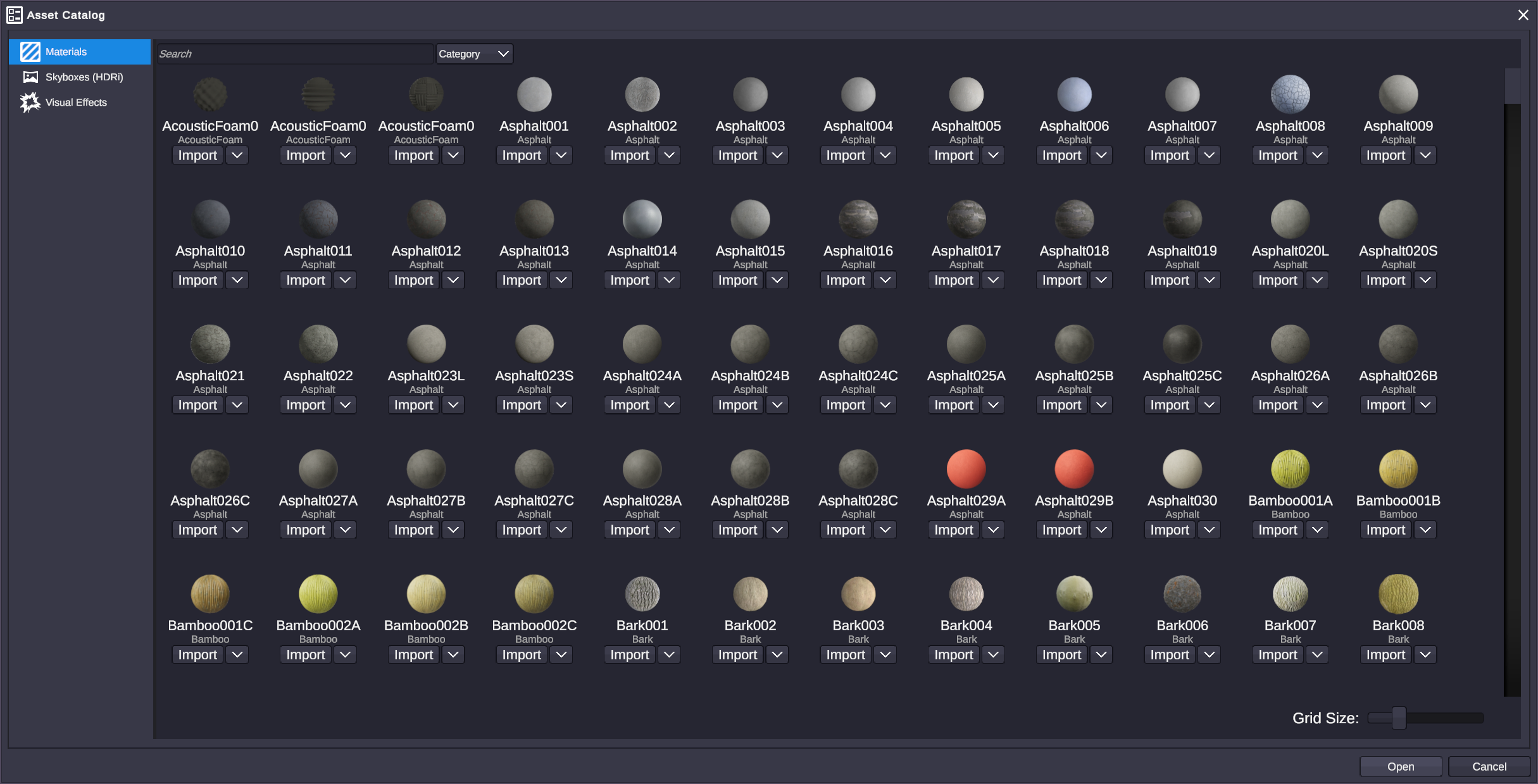
Hundreds of VFX, materials, and skyboxes. Ready to go.
Browse hundreds of ready-to-use VFX, materials, skyboxes, and shader-driven mesh effects that wrap any object's surface. Drape fire, ice, or magic over a mesh with a right-click - drop it in and make it yours.
Filters & Effects
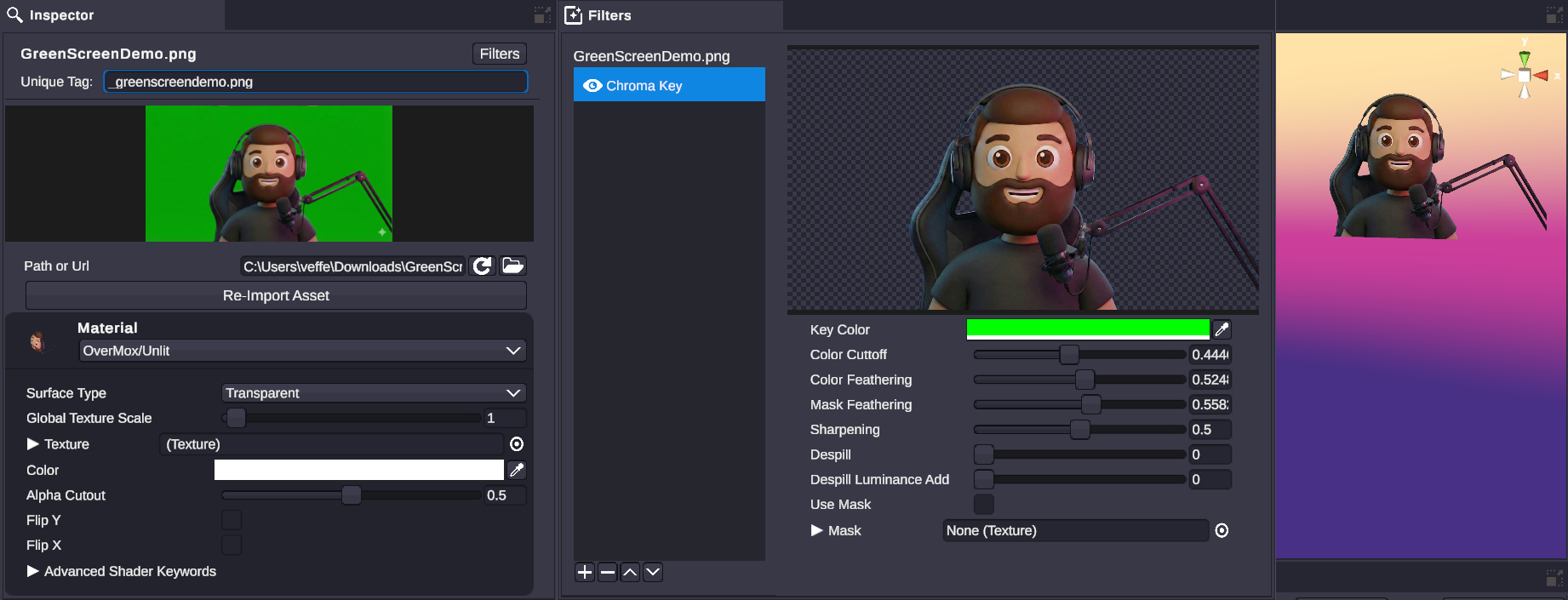
Cinematic post-processing, live on your stream.
Green screen, bloom, color grading, vignette - layer them up for a look that's uniquely yours.
Plus: Stinger transitions · Audio control · Camera animation · HTTP integrations · Layer management · 20+ node categories · Variables & data sharing
See All FeaturesHow It Works
From idea to live stream in three steps
No coding required. Just create.
Design Your Scene
Build your 3D environment in the OverMox app. Add objects, lighting, particles, and effects. Drag, drop, and arrange until it looks perfect.
Wire Up Behaviors
Open the Controller and connect nodes to create interactive logic. No code needed - just visual scripting. Think flowcharts, not functions.
Go Live
OverMox renders in realtime. Your scene reacts to subs and tips from StreamElements and Streamlabs, chat commands, Stream Deck buttons, and more - all while you stream.
For Developers, Tool Builders & AI Agents
No code required. No ceiling either.
Build clicking nodes in the visual editor - or hand the whole thing to your AI coding agent. Under the hood sits a full local REST + WebSocket API, 200+ operations, ready to drive.
Explore the API$apiKey = 'YOUR_API_KEY'
$request = @{
Uri = 'http://localhost:5000/api/actions/scene/spawn'
Method = 'Post'
Headers = @{ 'X-API-Key' = $apiKey }
ContentType = 'application/json'
Body = '{"type":"Cube"}'
}
Invoke-RestMethod @requestRun OverMox and its Controller on this PC with a project open and the runtime connected. Enable the API in Controller Settings > API, then replace YOUR_API_KEY with your API key. This adds a cube to your live scene. API setup guide.
Stay in the loop
Ready to Level Up Your Stream?
Join creators building the next generation of stream visuals. Available now in Extra Early Access.
No spam, ever. Unsubscribe anytime. Privacy Policy